
To access Queue Statistics in your Croo Portal:
- Click the
 icon;
icon; - Select the start and end dates you’d like to use to filter results in the Dates section:

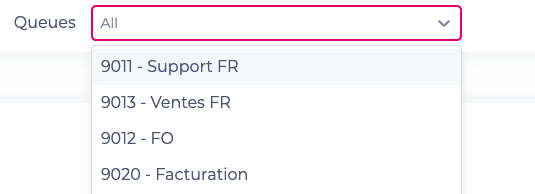
- Select the queue(s) for which you’d like to view statistics from the Queues drop-down menu:
- Select which agent for which you’d like to view statistics from the Agents drop-down menu:

- Select how you’d like the Queue Statistics to be displayed (Graph, Table, or Visual Flow):

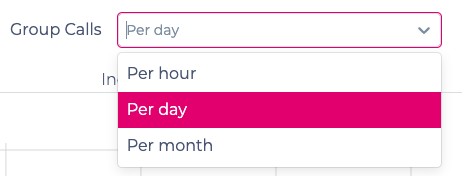
- Select how you’d like to group calls (Per Hour, Per Day, Per Month):
Comments